How can we help?
How to view and print invoices in Sharesight
It is possible to view and print your prior invoices in Sharesight at any time.
To locate your invoices:
1 — From any page within Sharesight, click Account from the top right of the screen.
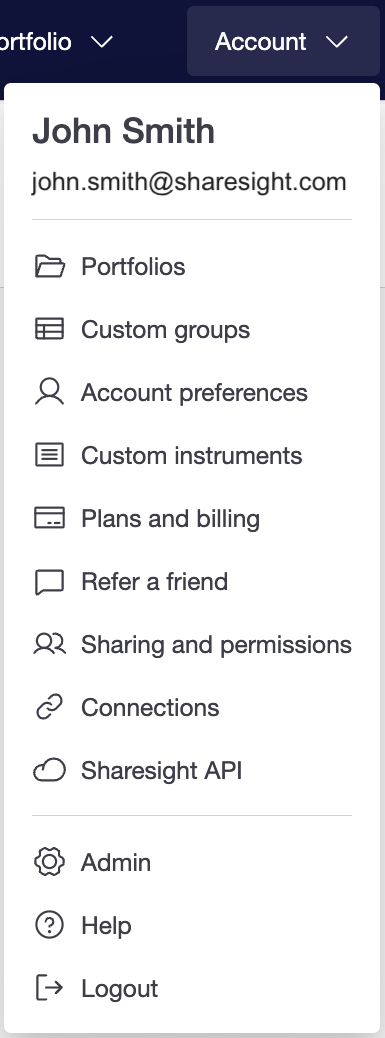
2 — Select Plans and billing from the dropdown menu.
3 — Click View invoices.
4 — A list of all your prior invoices will be displayed with the invoices’ details:
- Invoice date
- Due date
- Payment date
- Invoice number
- Invoice amount
5 — Click on the PDF icon to view the invoice. The invoice will load and can be viewed on screen, downloaded and saved or printed.
Last updated 14th May 2026